TRAINING Outline
Editing TOOLS



















Useful TIPS
Additional Prompt for Collection Optimization
AI Image Generator
Automated Collection Auditor
Automatic Collections Generator
Collection Tools
Digital Catalog Flip Book
Ticket Reference: https://edit.simple.biz/mc/tickets/54455317
Notes on how to do this for anyone meeting the same problem later:
The current catalog is hosted on one of our godaddy servers: https://host.simple.biz/jmjcatalog/JMJ_2024
Basically, you want to use the file manager in cPanel and navigate to the public_html/jmjcatalog folder.
Upload the zip (in this instance, JMJ_2026.zip)
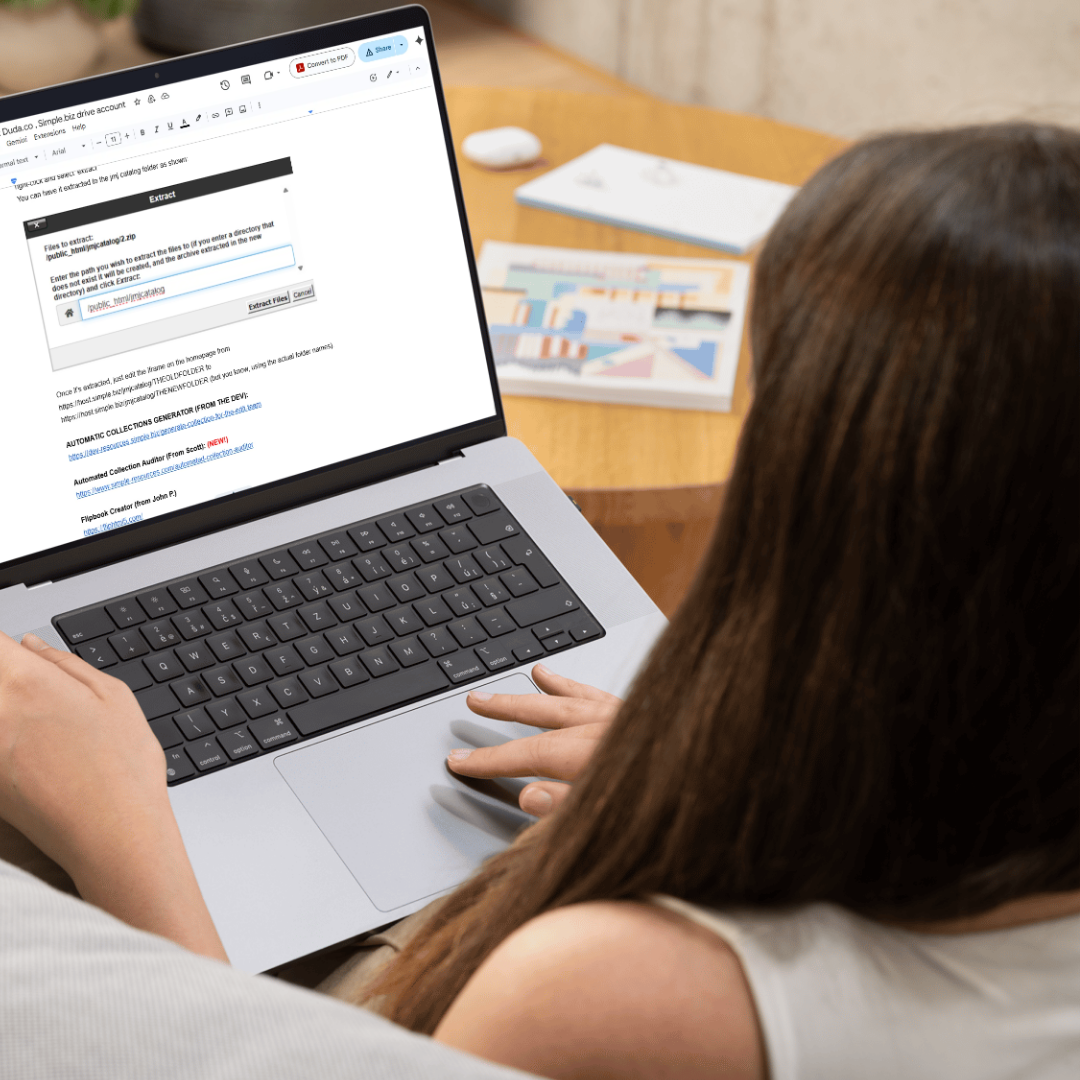
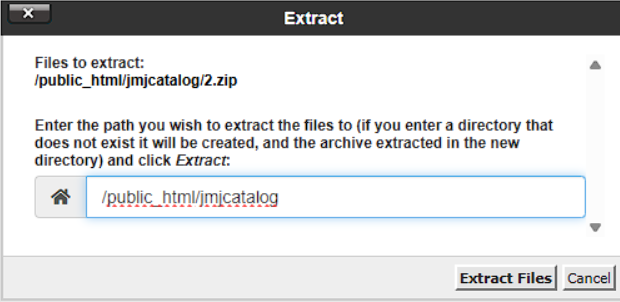
Once it's uploaded (which will take some time, as there are multiple GB files) in the file manager, just right-click and select ‘extract’
You can have it extracted to the jmj catalog folder as shown (screenshot attached).
Once it's extracted, just edit the iframe on the homepage from https://host.simple.biz/jmjcatalog/THEOLDFOLDER to https://host.simple.biz/jmjcatalog/THENEWFOLDER (but you know, using the actual folder names).
Flipbook Creator
HTML code for displaying any frame from other URL to our website
Send PDF doc results to client’s email in Formsite
Veo3 AI Spokesperson Video Tutorial
- TUTORIAL: https://www.canva.com/design/DAGup4r9Rs8/9UrRN662DW4gQJAuJMo5Vw/edit?utm_content=DAGup4r9Rs8&utm_campaign=designshare&utm_medium=link2&utm_source=sharebutton
- VEO3: http://www.veo3ai.ai
- Prompt Generator: https://dev-resources.simple.biz/prompt-for-veo3
- AI Spokesperson Videos: https://dev-resources.simple.biz/ai-spokesperson-video
Zapier: Webhook Tutorial
Removing Extra Scrollbar on a Live Website
Removing Extra Space on a Popup with Form
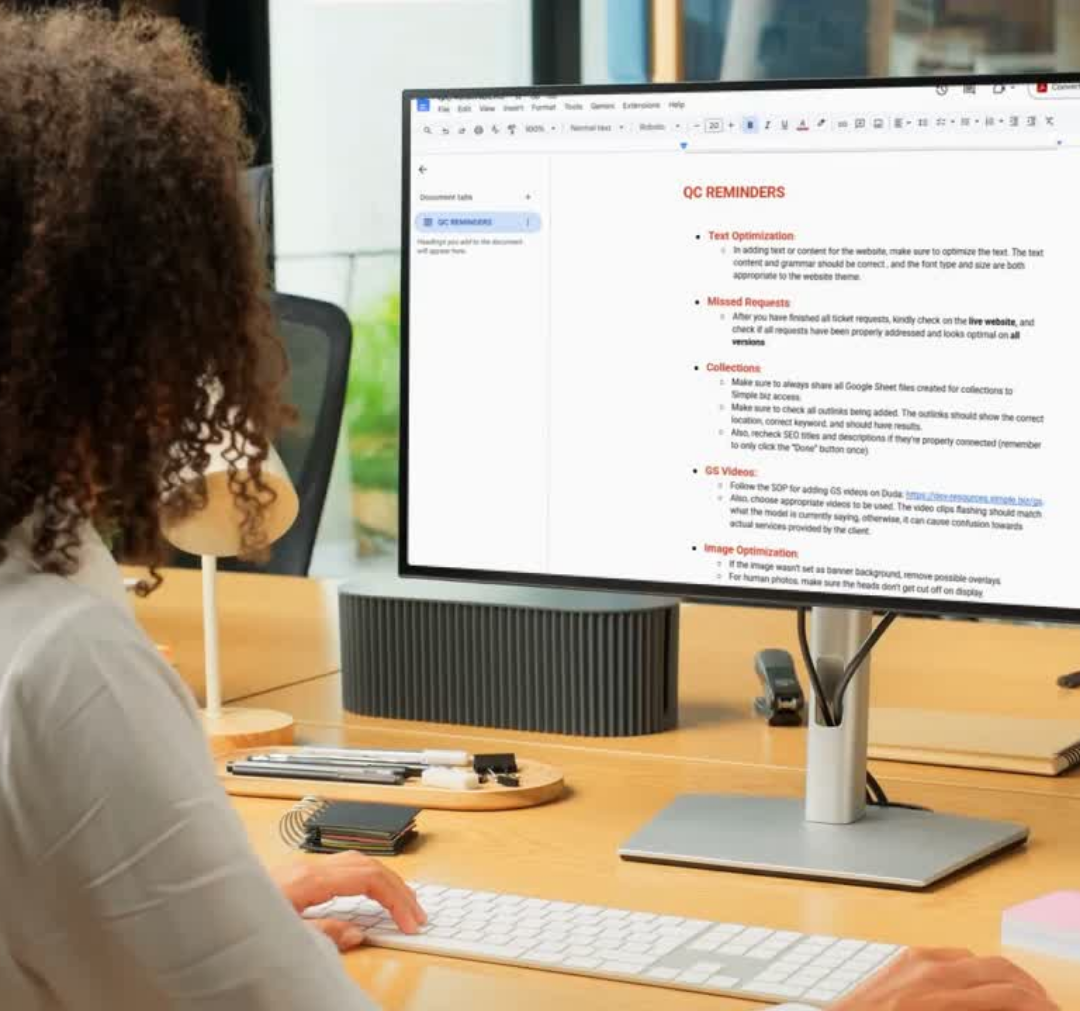
QC Reminders